Profile
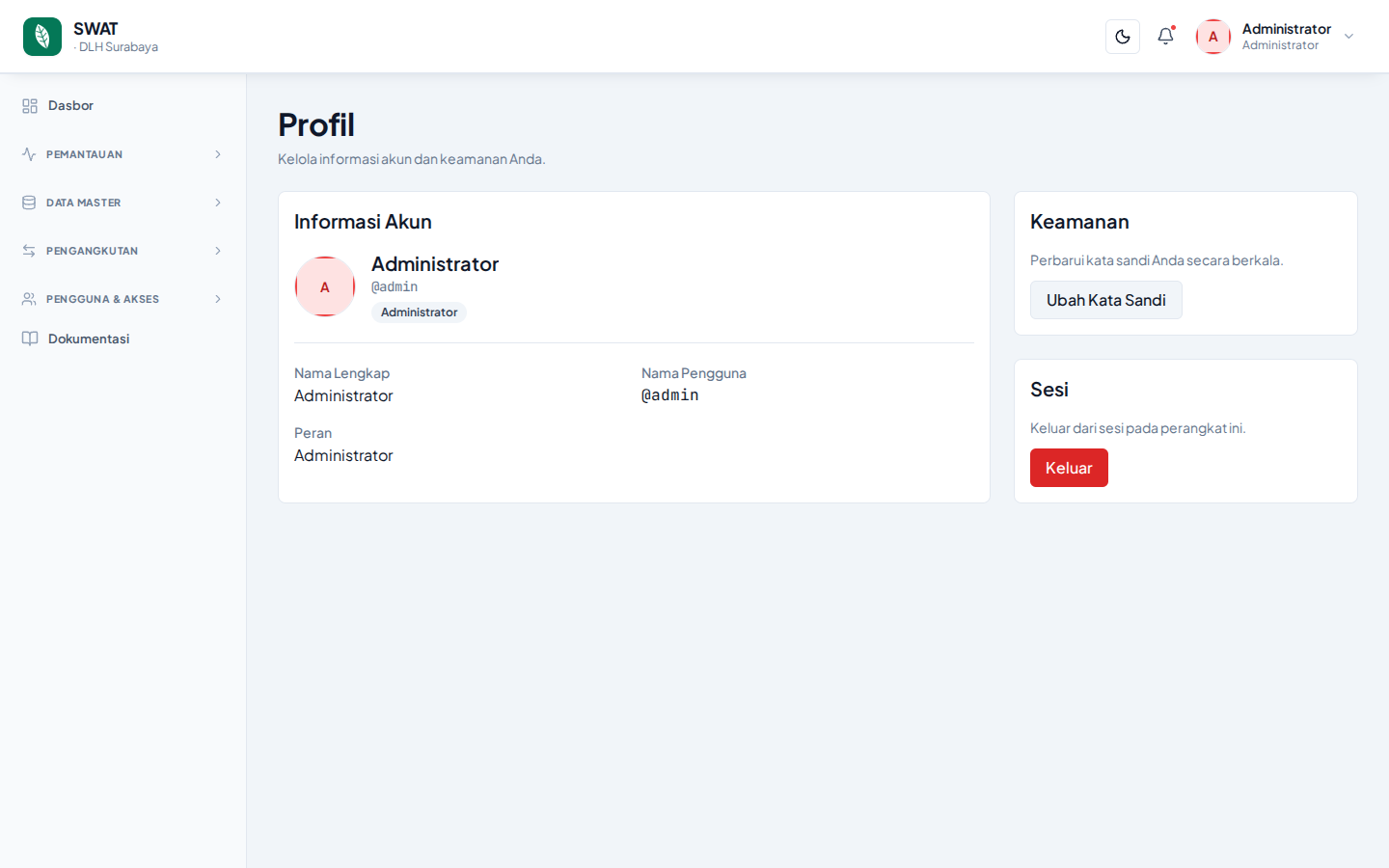
The Profile page displays your account information and provides controls for security and session management.
Account Information
The Account Information card shows your profile details:
- Avatar — profile photo (if available) or name initials.
- Full Name — the name registered in the system.
- Username — your unique identifier (starts with
@). - Role — your role in the system (for example: Admin, Checker, Operator, etc.).
This information is displayed from your account record and cannot be changed on this page. Contact your administrator if you need to update your profile information.
Security
The Security card lets you manage your password:
- Click the Change Password button.
- You'll be sent to the Change Password page.
- Enter your current password, new password, and confirmation.
Change your password regularly
To keep your account secure, it's recommended to change your password periodically (for example, every 3 months).
Session
The Session card provides control over your current device:
- Click the Logout button to end your session and return to the sign-in page.
- You'll need to sign in again with your username and password to continue.
One session per device
The Logout button only ends the session on your current device. If you're signed in from another device, that session will remain active.
Next: Change your password →